
Line Up: a browser puzzle for connecting dots with a 3D mode
A dot-connecting puzzle (Color Dots) with three visual styles, a 3D mode on a spherical playfield, and a Word Connect learning mode.
The problem
Classic browser "connect the dots" puzzles often lack variety: the same flat-grid mechanic wears thin quickly, and adding an immersive 3D mode or an alternative visual style usually means a separate project — a flat 2D puzzle and a volumetric 3D version are hard to maintain in one codebase.
A separate challenge is holding attention beyond the pure dot-connecting mechanic: without extra game meaning (for example, an educational angle), the puzzle stays a one-time distraction with no reason to come back.
Color Dots: one mechanic, three visual styles
On the page, the game is titled Color Dots — a puzzle where the player draws a line connecting same-colored dots through grid cells, without crossings and using every cell. The mechanic is classic, but it ships in three visual styles switchable from the level-select screen: "Pipes" — dots connect via glowing pipes on a straight grid; "Snakes" — endpoints are styled as snake heads and the path between them as a snake body; "Gears" — every cell is rendered as a gear, with active dots glowing in color.
Each style is tied to its own level range (for example, "Pipes" — levels 001-005, "Snakes" — 006-025, "Gears" — 026-030 in the base set), rather than being just a cosmetic skin over the same puzzle — the visual variety is backed by an actual content split.
3D mode: the puzzle wrapped around a sphere
A dedicated settings toggle ("3D mode — a volumetric field with camera rotation") moves the same puzzle onto the surface of a translucent sphere: the grid of dots and pipes wraps around a ball, and the player rotates the camera with gestures — dragging left/right spins the sphere, up/down tilts it — to see and connect dots on any side.
This isn't a separate 3D game but an alternative Three.js render of the same level and the same solving logic, falling back to Canvas 2D where WebGL isn't available or needed — the same set of levels can be played both flat and in 3D.
Difficulty progression: 120 levels
In the classic ("Colors") mode, levels are split into five cumulative difficulty tiers: Beginner (1-15, introducing the mechanic), Easy (1-30, small grids), Medium (1-60), Hard (1-90, dense layouts), and Expert (all 120 levels, unrestricted). The level-select screen groups levels by both difficulty and visual style, with a progress indicator per tier.
Word Connect: the learning mode
The second game mode is Word Connect, a separate "Words" tab in level select: instead of colored dots, the player connects words to their translations, with levels grouped into topic categories. At the time of review, one topic is fully available — "Fruits & Vegetables" (20 levels, with "All / New / Review" filters for repeating already-learned words) — while two more topics ("Animals", "Household items") are marked "Coming soon" and not yet unlocked.
In other words, the learning mode isn't just a claim — it's working functionality with progress tracking and spaced review, currently limited to one topic while the rest are in development.
Settings, tech stack and result
Beyond the 3D toggle, settings include sound effects, background music, and animations (smooth transitions and win effects), plus a manual switch between system/light/dark UI theme — the puzzle reads equally well in both.
The game runs as a standalone public product on its own domain (line-up.ecomdev.uz), built in TypeScript with Three.js 3D rendering and a Canvas 2D fallback for the classic mode. The result: one "connect the dots" mechanic delivered across three visual styles and two rendering modes (2D and a 3D sphere), plus a working Word Connect learning mode — not just listed as a feature, but actually playable.
Other cases
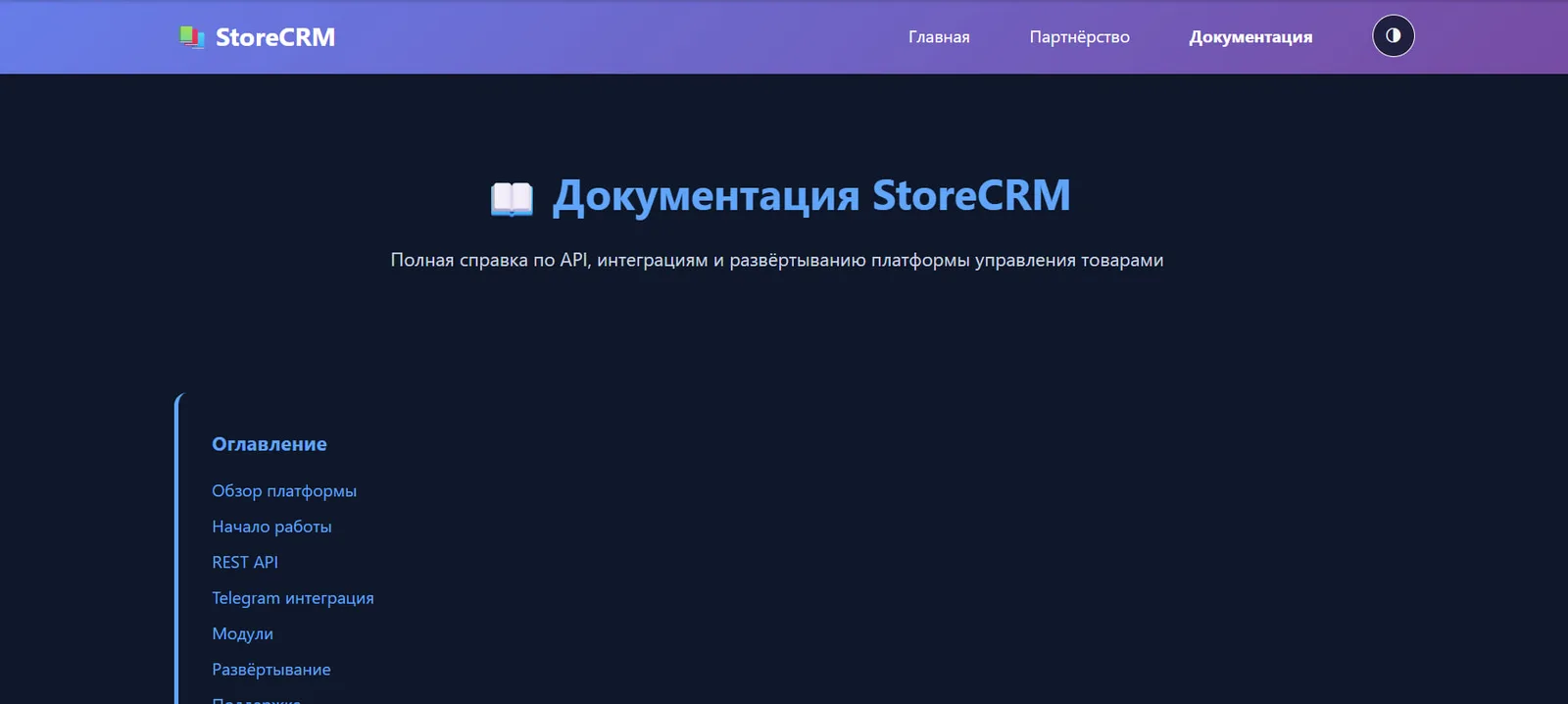
StoreCRM: a Telegram-first platform for product and stock accounting
A Telegram bot, REST API and web admin panel all run on one data core: products, stock across warehouses and stores, and movement between locations and counterparties stay consistent across every channel.
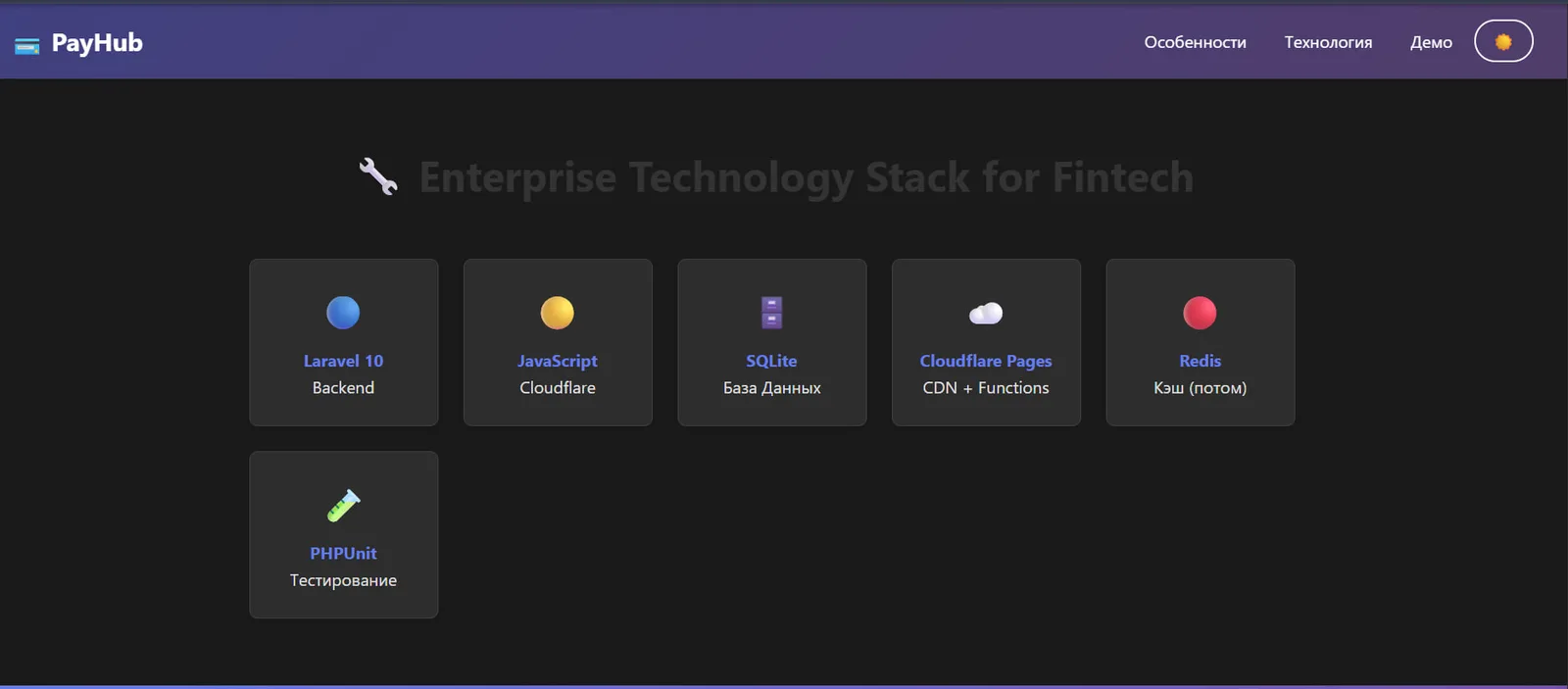
Pay Hub: payment events and notification control
Resilient event handling for payments and notifications cuts manual checks and clarifies failure response.
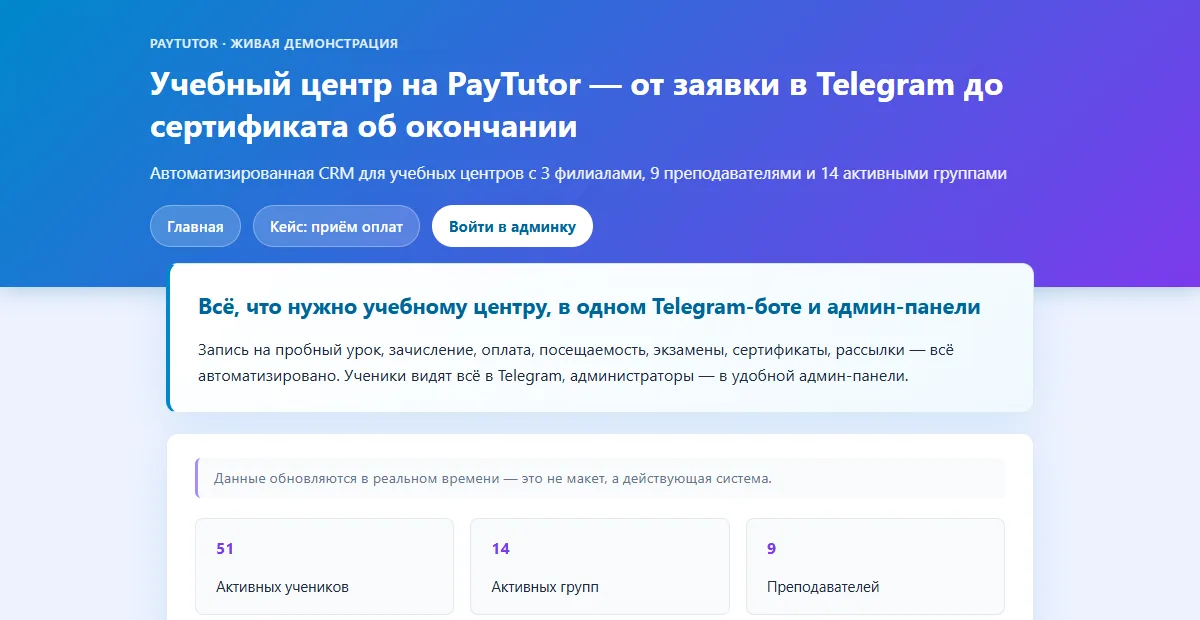
PayTutor: a tutoring-center CRM from request to certificate
A Telegram bot for students and an admin panel for the center: enrollment, payment, attendance, exams and certificates in one system.
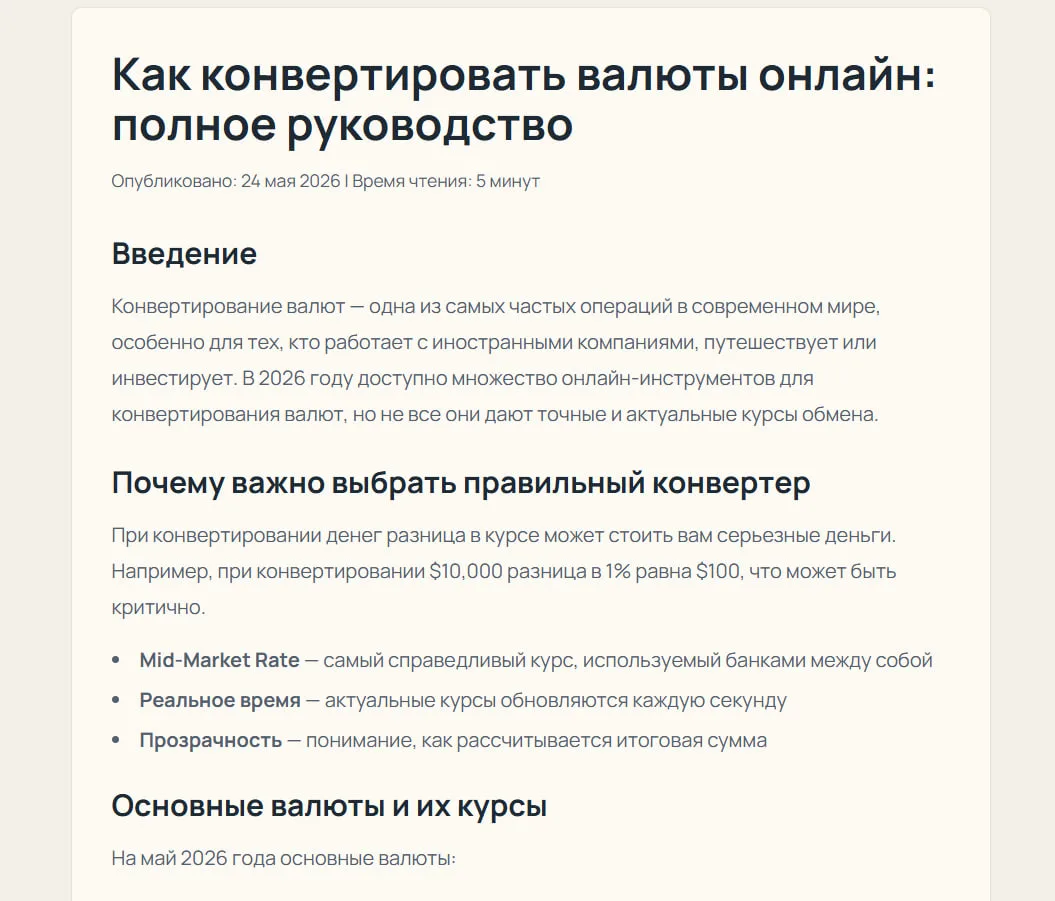
Flex Convert: a currency and unit converter built as a standalone product
A standalone web converter spanning 10 quantity categories — currency with daily rates and a configurable currency list, plus pressure, temperature, length, weight, area, volume, speed, time, and energy — with its own calculator and SEO guides.