
An App Like the Big Brands: When It Pays Off for a Business and When It Doesn’t
“We need an app like Uzum’s” — this phrase is the start of many expensive mistakes. A mobile app is the most costly tool in a business’s digital toolkit, and you should only build one when it will truly pay off.
In this article from our “IT Made Simple” series, we break it down without the jargon: what an app is technically, how Android differs from iOS, why development costs more than a website — and how to tell if your business really needs an app.
What a Mobile App Is Technically
An app is a program that a user downloads from a store (Google Play for Android, App Store for iPhone) and installs on their phone. Unlike a website, which “lives” on a server and is simply displayed in a browser, an app lives right on the customer’s phone.
This gives it its strengths: access to phone features (push notifications, camera, geolocation, contacts, offline mode) and a constant presence — the icon on the screen reminds them of you every day.
But the backend doesn’t go anywhere: the app still pulls the catalog, prices, and orders from your server — the same one that runs your website. An app is just another “storefront” for the same data, not a replacement for your entire system.
Android and iOS: Why “One App” Often Means Two
Android (Samsung, Xiaomi, and most other phones) and iOS (iPhone) are different operating systems with different programming languages. A “native” app has to be written twice — hence the double budget.
There is a compromise — cross-platform development (Flutter, React Native): you write one codebase that works on both systems. For most business apps (catalog, orders, customer dashboard), this is a smart choice that saves a significant chunk of the budget.
There’s a nuance for the Uzbekistan market: the vast majority of devices here run on Android, so many local businesses start with Android only — and add an iOS version as they grow.
App vs. Website: An Honest Comparison
The main barrier for an app is installation. A user has to find you in the app store, tap “Install,” wait for the download, and allow notifications. Each step filters out part of the audience: a casual visitor won’t install an app. A website, on the other hand, opens instantly with a single click from an ad or search result.
But an app has higher “retention”: those who install it buy more often — thanks to push notifications, saved cards, and two-tap ordering. Hence the rule: a website works to attract new customers, while an app works to retain regular ones.

When a Business Actually Needs an App
An app pays off where customers return frequently and regularly. Check your business against these signs:
But if a customer buys from you once a year (furniture, renovations, legal services) — an app almost certainly won’t pay off: only a few will install it, while development and support costs will keep draining your budget. For these businesses, a website plus a Telegram bot covers everything.
- Frequent repeat purchases: food, groceries, pharmacy, taxi, subscription services.
- A base of regular customers who care about bonuses and loyalty programs.
- Ordering needs to be as fast as possible: “two taps,” with a saved card and address.
- Phone features are needed: courier geolocation, scanning, offline mode.
- An app has already become the service standard in your niche among competitors.
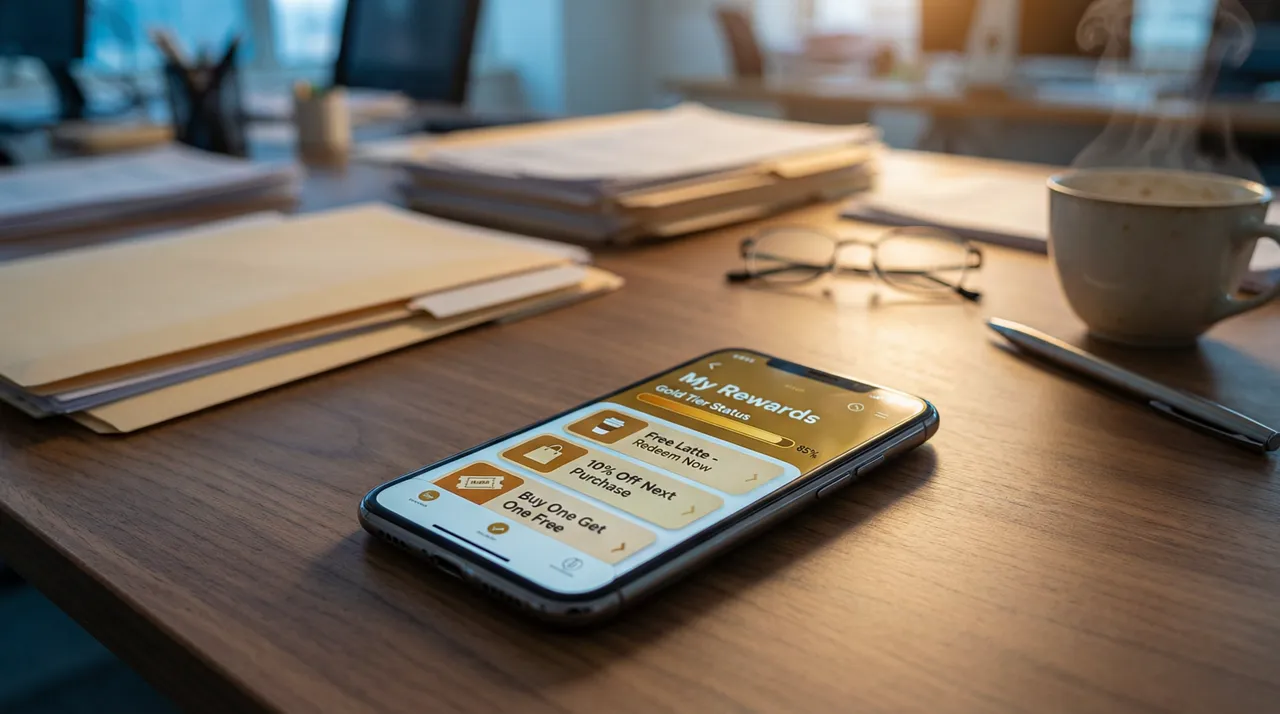
How Much It Costs and What Goes Into the Price
An app is at least three projects in one: the backend (logic and data), the app itself (one or two), and an admin panel for management. Plus publishing in app stores with their reviews and rules, plus constant updates: when a new Android version comes out, the app needs to be tested and adapted.
That’s why mobile development starts at significantly higher sums than websites, and more importantly, requires an ongoing support budget. The good news: there’s often an intermediate step — a Telegram Mini App (an app inside Telegram) or a PWA (a website that installs on the screen like an app). They deliver some of the benefits of an app for a fraction of the cost — and let you test demand before making a big investment.

Frequently asked questions
What’s cheaper: an app or a website?
A website is almost always cheaper: one platform instead of two or three, no app store fees and reviews, and easier updates. Usually, the smart path is: start with a website and/or a bot, then build an app once you have a base of regular customers.
Can you build an app just for Android?
Yes, and for Uzbekistan, this is a common strategy since most devices here run on Android. An iOS version is added later once the economics make sense. Cross-platform development lets you build for both systems right away for just a small extra fee.
What is a Telegram Mini App?
It’s an “app inside Telegram”: it opens via a button in a bot, looks and works like a regular app, but doesn’t require downloading from an app store. For a market where everyone lives in Telegram, this is often the best way to start: faster, cheaper, and with no installation barrier.
Why does an app need ongoing maintenance?
New versions of Android and iOS are released, Google Play and App Store requirements change, and new screen sizes emerge. Without updates, the app will gradually start to malfunction, and app stores might take it down. Be sure to factor maintenance into your budget right from the start.