
Server: The Computer That Works While You Sleep
“The server is down,” “we need a more powerful server,” “it’s stored on the server” — you hear this word in every conversation with IT folks. Yet a server is actually the simplest concept of all: it’s just a regular computer with one specific job.
In this article from our “IT Made Simple” series, we’ll break down what makes a computer a server, how it runs your website or Telegram bot, and what actually happens when “everything goes down.”
A Server Is a Computer That Serves Others
The word “server” comes from “to serve.” A server is a computer that doesn’t wait for a human to sit down at it; instead, it responds to requests from other computers 24/7: delivering web pages, processing orders, and sending bot messages.
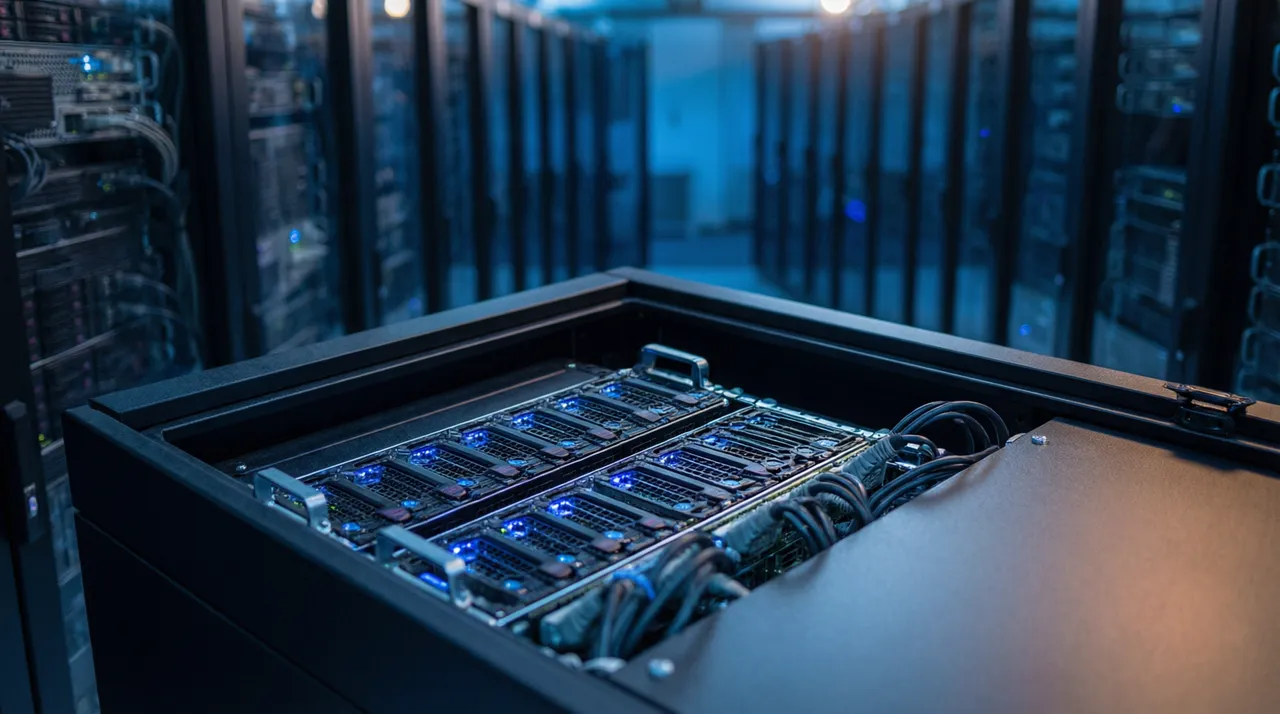
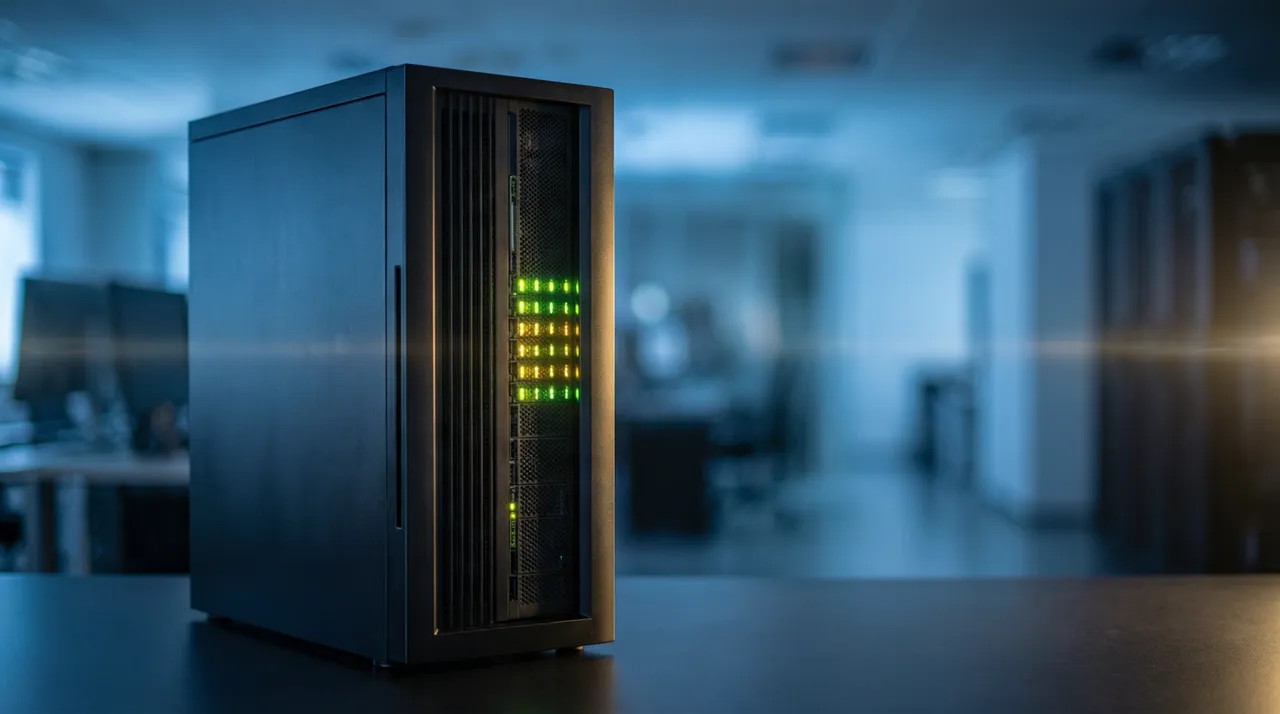
Physically, it looks like a desktop tower without a monitor or keyboard — it doesn’t need them since nobody sits at it. Servers are housed in data centers: specialized buildings with reliable power, cooling, and fast internet. On the outside, a data center is just rows of cabinets with blinking lights; a single cabinet can “host” several hundred websites.
You can turn your laptop into a server too — install the right software and serve a website right from it. Developers sometimes do this for testing. But for a real business, it’s not an option: a laptop gets shut down, loses Wi-Fi, and goes on vacation with you.
How a Server Serves a Website Visitor
Let’s break down step by step what happens in a fraction of a second between “user enters address” and “page loads.” This process is the foundation of the entire internet, and it will come in handy in our upcoming articles on backend and databases.
All these steps usually take less than a second. When a website “lags,” it means one of the steps is taking too long: the server is overloaded, the database has grown too large, or the code is poorly optimized.
- The client’s browser sends a request: “show product page #42.”
- The request travels over the internet to the server (the server’s address is provided by the DNS system — the “directory” from our article on domains).
- The program on the server assembles the page: it pulls the product name, price, and photo from the database.
- The server sends the finished page back, and the browser displays it to the user.

“The Server Is Down” — What It Actually Means
When people say “the server is down,” they mean the server has stopped responding to requests. The reasons vary: overload (more visitors showed up than it can handle — say, after a successful ad campaign), a software bug, hosting provider issues, or, less commonly, an attack.
It’s important to understand: “down” almost never means “data is lost.” It’s like a power outage in a store — sales have stopped, but the goods are still there. Once the server restarts, everything keeps working. Data is only lost if it wasn’t backed up — which is why we insisted so much on backups in our article on hosting.
For a business, the main question isn’t “will it ever go down” (everything goes down occasionally, even for the tech giants), but “how fast will it come back up and who is monitoring it.” A good practice is monitoring: a special program checks the website every minute and sends the developer an alert before customers even notice the issue.

What Kind of Server Your Business Needs
Spoiler: you probably don’t need to buy a physical server. Buying your own hardware is only justified in rare cases — strict data requirements, specific regulations, or massive workloads. For everyone else, there’s renting — the very same hosting we talked about in the previous article: from a slice of a server for a small monthly fee to an entire machine.
As a practical guide: landing pages and business cards live on the simplest shared hosting; an online store and CRM run on a VPS; and only high-traffic services consider dedicated servers. If a contractor immediately offers you a “powerful server” for a simple website — that’s a reason to ask questions.


Frequently asked questions
How is a server different from a regular computer?
By role, not by nature: a server is a computer that responds to other computers’ requests 24/7. Server hardware is more reliable (wear-resistant drives, redundant power supplies), but fundamentally, it’s the same computer without a monitor.
Where is my website’s server physically located?
In your hosting provider’s data center — it could be in Tashkent, Moscow, or Frankfurt. It’s easy to find out: just ask your developer or host. For speed, it’s important that the server is close to your customers.
What is the “cloud” — isn’t that a server?
The cloud is also made of servers, just lots of them connected together: your website uses resources from a “pool” of machines, and you pay for what you consume. It’s a nice buzzword, but behind it are still just computers in data centers.
Server vs. hosting — what’s the difference?
A server is a computer. Hosting is the service of renting that computer (in whole or in part). For a detailed breakdown, check out our article “What Is Hosting.”