
Prompt Engineering Explained in Simple Terms

Prompt engineering sounds like a term for programmers, but essentially it’s a basic skill—clearly explaining the task and specifying the desired result. When an employee types “write an email to a client” into ChatGPT and gets a generic, meaningless text, it’s not because the AI “didn’t understand.” It’s because the task was described too vaguely—much like telling a new manager to “do something with the orders” without specifying what exactly.
The difference between a good and a bad prompt is the difference between a result you can send straight to the client and a text you have to rewrite from scratch. For a business where employees use ChatGPT, Word and Excel copilots, or CRM chatbots daily, the ability to formulate a task for AI is just as practical a skill as writing a clear statement of work for a contractor.
A Prompt Is a Task Brief, Not a Magic Spell
A prompt is simply the text you use to explain to the AI what needs to be done. The problem is that the model doesn’t see the context in your head: who the client is, what the company’s tone of voice is, how long the text should be, or what has already been tried and failed. If you don’t write this down, the AI fills in the blanks itself—and it does so with averages, because it defaults to the most generic option from its training data.
That’s why the prompt “write a product description” and the prompt “write a 120-word sneaker description for a sportswear online store, targeting buyers aged 20–30, focusing on cushioning and everyday wear, no superlatives” yield noticeably different results. The second prompt isn’t more complex in meaning—it just specifies what the first one left the AI to guess.
Why This Isn’t Just for IT Professionals
If only programmers used AI in a company, prompt engineering could be considered a niche skill. But today, sales managers, accountants, marketers, and business owners themselves work with ChatGPT, built-in assistants in Word, Excel, and Notion, and Telegram bots. Every time an employee formulates a task for AI on the fly, the company either wastes time on rewrites or ends up with mediocre text that gets sent to the client as is.
The good news is that a successful prompt can be saved and reused—just like an email template or a manager script. Once you’ve mapped out the prompt structure for replying to reviews or drafting commercial proposals, employees simply plug in the details instead of reinventing the wording every time.

Example: Commercial Proposal — Before and After
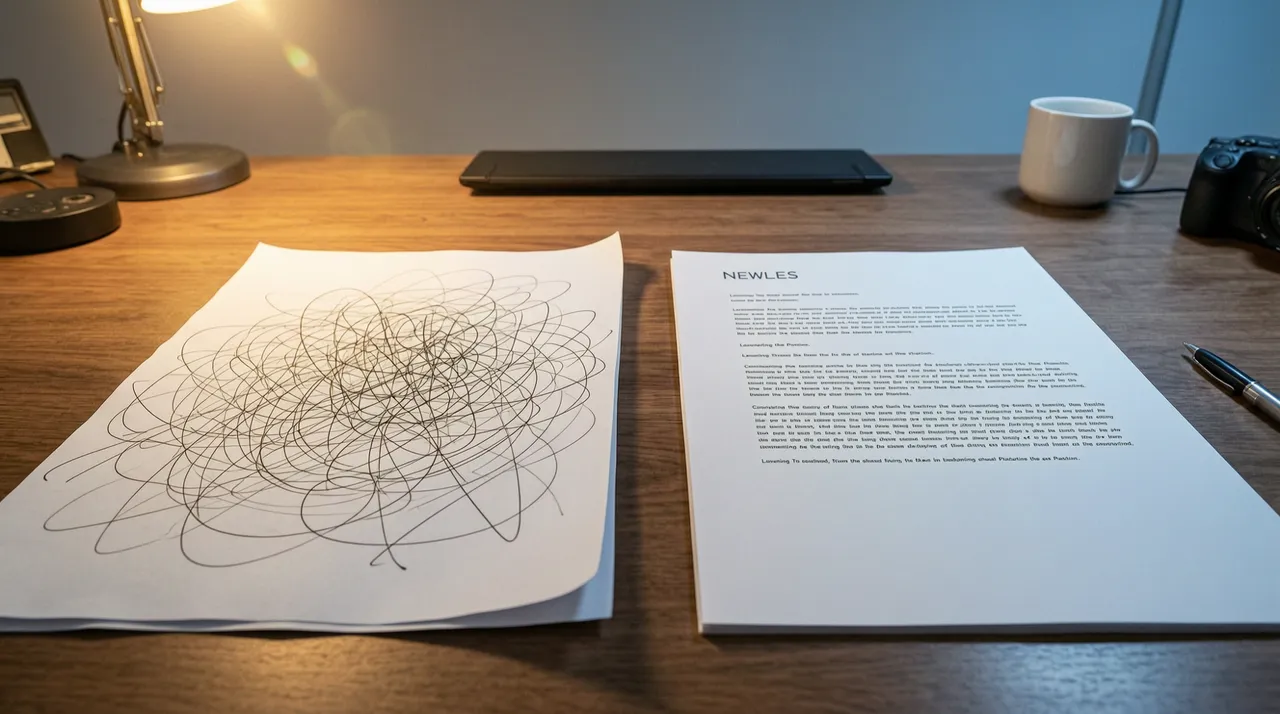
A vague prompt looks like this: “Write a commercial proposal.” In response, the AI generates a generic template without a company name, specific service, price, or timeline—a document you still have to finish manually, so the draft saves very little time.
A structured prompt looks different: “Draft a commercial proposal for Romashka LLC. Service: business card website development, timeline: 10 business days, cost: 4,500,000 UZS. Business letter tone, no legalese, specify the offer validity period as 30 days.” The result is a document the manager can send to the client with almost no edits, because all variables are set in advance rather than left to the AI’s discretion.
Example with a Review — And Where Prompt Engineering Won’t Save You
The second example is replying to a negative review. The prompt “reply to the review” usually results in a neutral brush-off like “thanks for the feedback, we’ll take it into account.” The prompt “write a reply to a client complaining about a 3-day delivery delay: acknowledge the problem, don’t make excuses, offer a 10% discount on their next order, tone: polite, no formal clichés” produces text you can actually publish under the review.
At the same time, it’s important to understand the limits of this method. Even the most precise prompt won’t prevent the AI from citing a wrong figure, a non-existent law, or a made-up fact about a competitor—the model generates the most probable text, it doesn’t fact-check it. Prompt engineering reduces the number of edits, but it doesn’t eliminate the need for a human to read the final text before sending it to the client—especially if it includes prices, timelines, or legal wording.
A separate risk is what exactly gets pasted into the prompt. If client personal data, contract terms, or internal financial information end up in the request, that data goes to the servers of a third-party AI service, and it’s not always clear how long it’s stored there. For sensitive data, it’s better to use enterprise versions of tools with separate privacy policies, or simply avoid including real names and figures in the prompt altogether.


Frequently asked questions
Do You Need to Know How to Code to Master Prompt Engineering?
No. It’s closer to writing a clear technical brief than to coding: you need to precisely describe the context, format, and expected outcome.
Can you write a good prompt once and reuse it all the time?
Yes. For repetitive tasks like replying to reviews or writing product descriptions, it’s handy to save a prompt template and just tweak the details.
Can AI still make mistakes even if the prompt is written correctly?
Yes. A precise prompt reduces errors and the need for edits, but it doesn’t guarantee that every fact and figure in the response is correct — the final text should always be reviewed by a human, especially if it includes prices, deadlines, or legal phrasing.